How to Protect Your Device When Installing APK Files
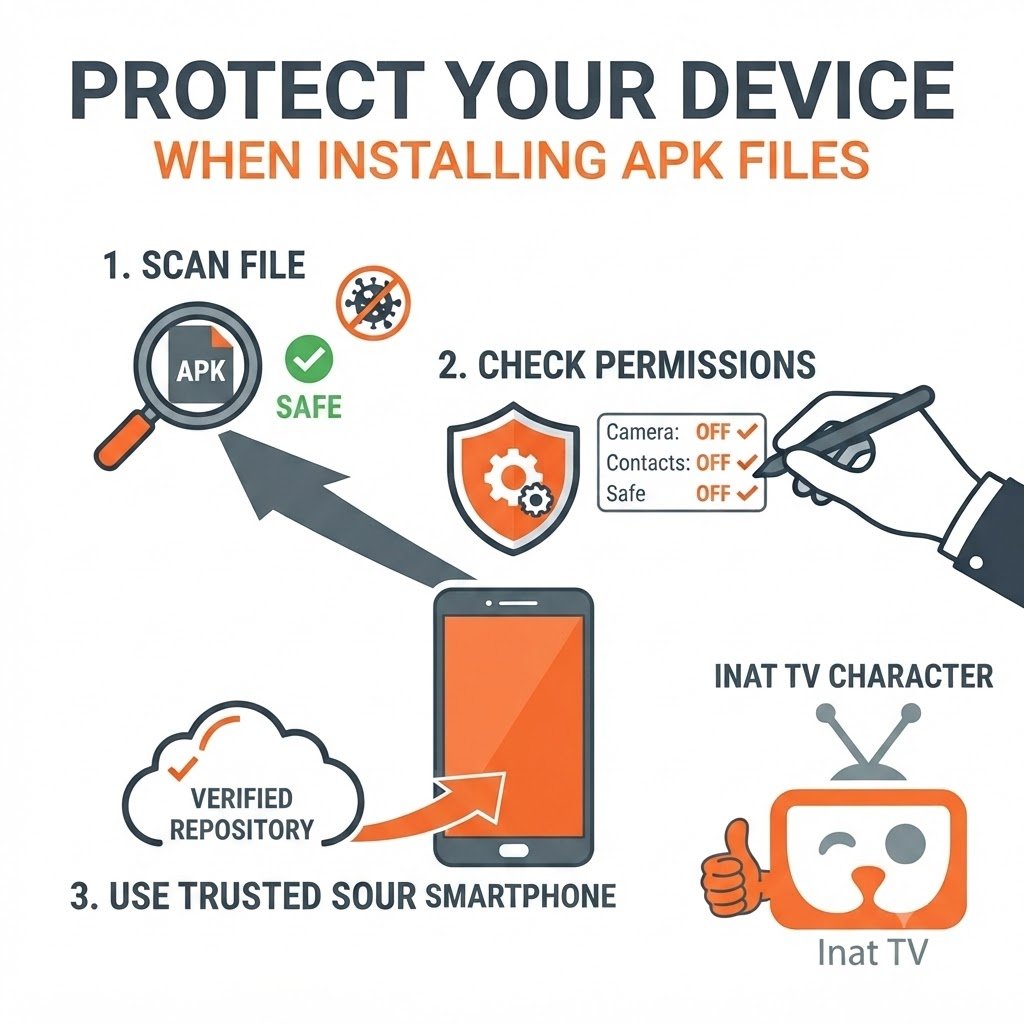
Downloading APK files doesn’t have to be risky, but it does require a little extra care. A few simple habits can make a big difference in keeping your device secure.
Download Only When Necessary
If you decide to install an APK, make sure you actually need it. Avoid downloading multiple versions from different websites, as this can create confusion and increase the chances of installing the wrong file.
Review Permissions Carefully
When an app asks for permissions, don’t tap Allow automatically. Read each request and consider whether it makes sense for the app’s purpose. If something seems unnecessary, think twice before granting access.
Keep Your Device Updated
Android security updates are designed to fix known vulnerabilities. Keeping your phone updated helps improve compatibility with newer apps and provides an extra layer of protection.
Remove Old APK Files
After the installation is complete, you don’t need to keep unused APK files on your device. Deleting them helps free up storage and keeps your Downloads folder organized.
Stay Alert
If an app suddenly starts behaving differently after an update, review its permissions, check for a newer version, or reinstall it if needed.
Common Myths About APK Safety
There are many misconceptions about APK files. Let’s clear up a few of the most common ones.
Myth: Every APK File Is Dangerous
Not true. An APK is simply the installation package used by Android. The level of safety depends on the source of the file and whether it has been modified.
Myth: Newer Versions Are Always Unsafe
New versions often include bug fixes, stability improvements, and better compatibility. The important thing is downloading them from a trustworthy source.
Myth: Installing an APK Will Damage Your Phone
Installing an APK doesn’t automatically harm your device. Problems are more likely to arise when files come from unreliable sources or users ignore basic security practices.
Myth: You Never Need to Check Permissions
Permissions matter. Reviewing what an app can access is one of the easiest ways to protect your privacy.
Frequently Asked Questions
Final Thoughts
So, is Inat Box safe? The answer depends on how you download and install it. No APK should be considered automatically safe or unsafe without looking at the source, the version, and the permissions it requests.
The best approach is to download the latest version from a trusted website, keep your Android device updated, review permissions before granting access, and avoid suspicious download pages. Following these simple practices can help you make informed decisions and reduce common security risks.
A little caution during the installation process goes a long way toward protecting your device and ensuring a smoother experience.